Sharing one photo is easy. Sharing 50 photos from a trip, product shoot, or event without compressing them into a blurry mess? That’s where most tools start to get annoying.
Messaging apps aggressively compress images. Cloud drives make you juggle folders and permissions. Zip files get attached to emails and bounce because they’re “too large”.
If what you really want is:
- One clean link you can drop anywhere
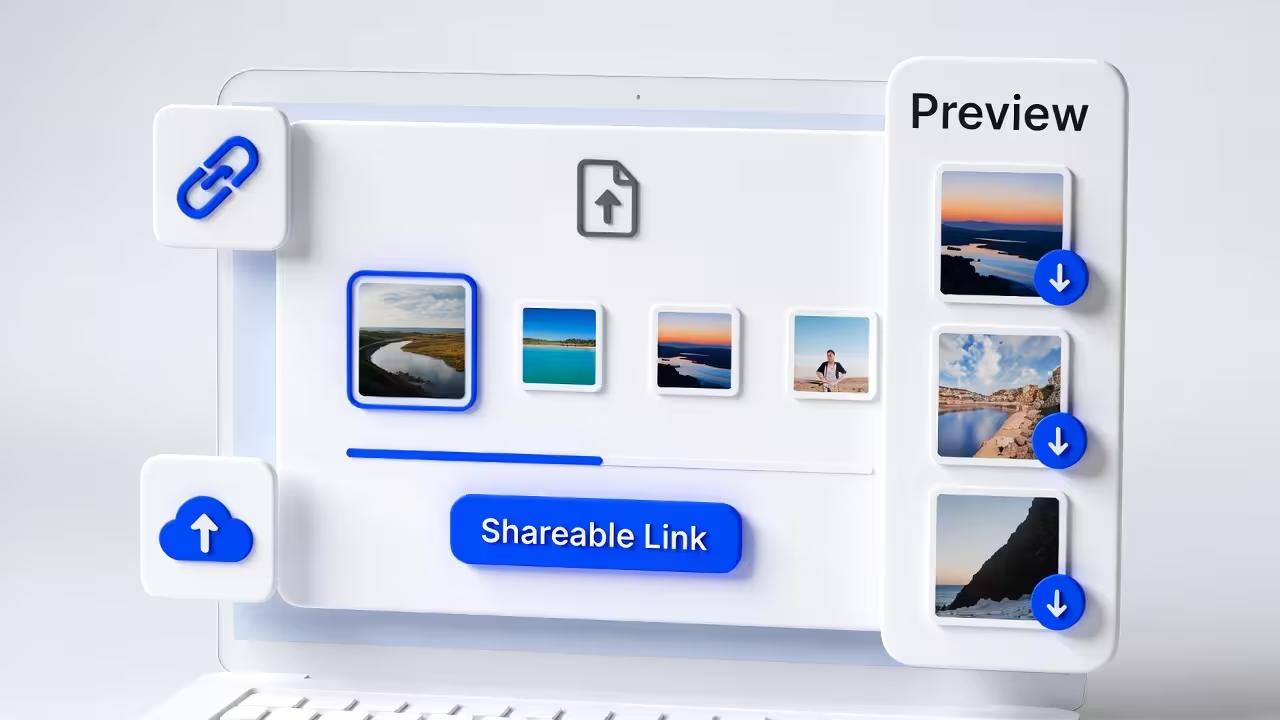
- A simple gallery where people can preview each image
- An option to download either individual photos or everything as a ZIP
…then this guide is for you.
With FileXhost, you can pick multiple photos and files, have them bundled behind a single link, and give your recipients a smooth viewing and download experience—no accounts, no apps, no permission drama.
Share Your Photos as One Link
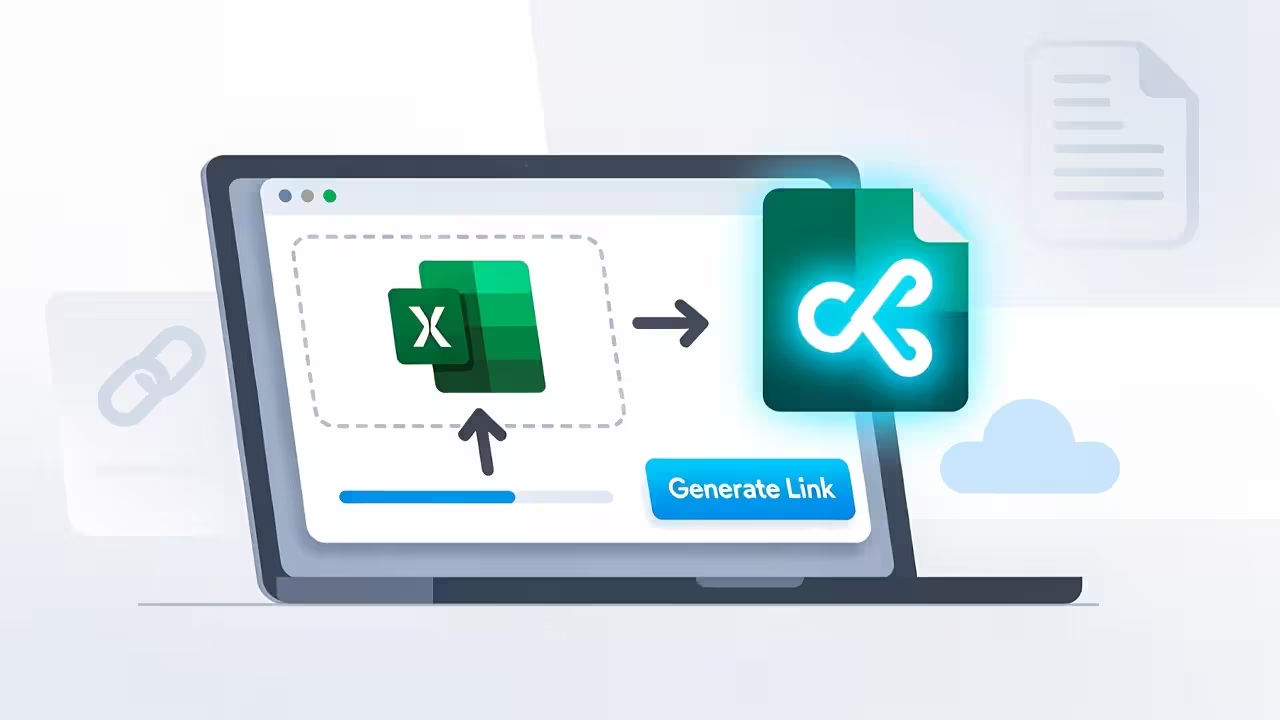
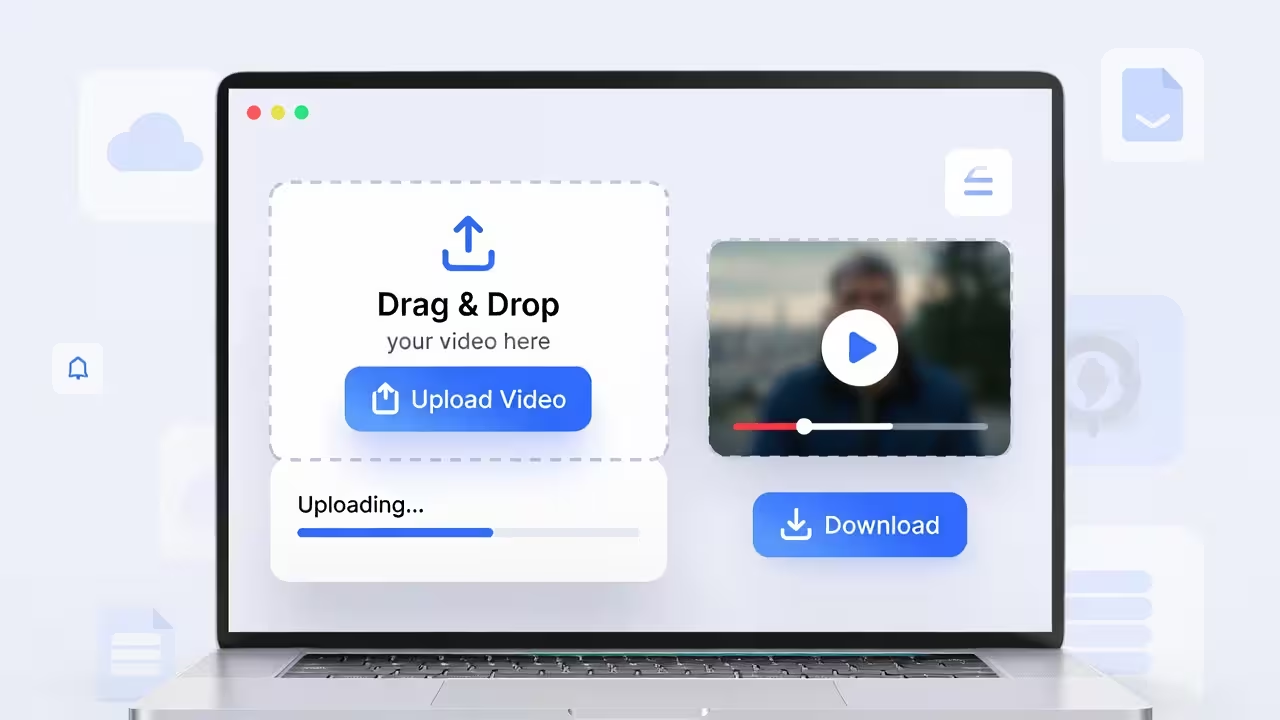
Drag and drop any file (images, videos, PDFs, or HTML) and get a live link in seconds. No sign-up required.
Quick Answer
- Upload multiple photos (and other files if needed) to FileXhost.
- FileXhost groups them behind a single shareable link on a
filex.hostsubdomain. - Recipients open that link to:
- Browse a gallery-style preview of each file
- Download individual items
- Or grab everything at once as a ZIP
You get one URL you can paste into chat, email, or a document. Your recipients get a clean page that just works.
Why Share Multiple Photos as a Link
When you’re sharing many images at once, traditional options break down:
- Chats compress everything: WhatsApp, Telegram, and others shrink photos to save bandwidth, which is terrible for design reviews, product photos, or portfolio work.
- Email attachments are fragile: Large attachments get clipped, blocked, or lost in long threads.
- Drive folders confuse people: Viewers need the right permissions, the right account, and the patience to navigate a UI they didn’t choose.
Sharing a single link that opens a simple gallery is easier for everyone:
- One destination instead of a dozen attachments
- Works on phones and laptops without installing apps
- Consistent URL you can reuse wherever you need it
How FileXhost Handles Multiple Photos and Files
FileXhost is built for fast file hosting and previewing. When you upload multiple photos and files:
- They are grouped behind a single, public link like
https://yourname.filex.host. - The link opens a viewer page that lists and previews your files.
- Recipients can:
- Open individual photos in a preview
- Download a single file
- Or download all files together as a ZIP
Behind the scenes, FileXhost bundles your selection into a ZIP archive so people who want to keep everything locally can grab it in one click—while still keeping the UX friendly for quick per-file viewing.
You don’t have to manually create a ZIP or host it somewhere else. Upload once, share the link, and FileXhost takes care of the rest.
Step-by-Step: Share Multiple Photos as One Link
Here’s the full flow from “I have a folder of photos” to “I have a clean URL”:
- Open FileXhost.
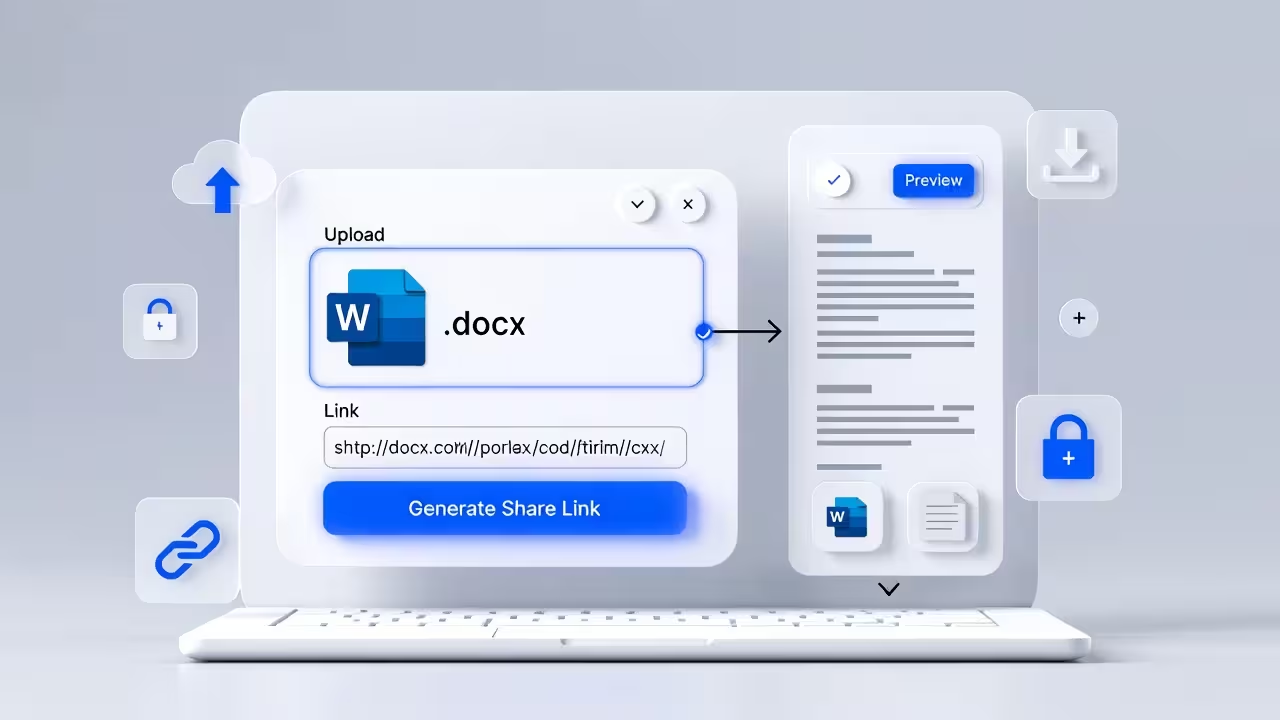
- Select your files. Drag and drop your photos (JPG, PNG, WEBP, etc.). You can include related files too, like PDFs or text notes, if they belong with the set.
- Wait a moment while FileXhost processes and groups them.
- Copy your generated link on
*.filex.host. - Share that link via email, chat, social, or embed it on a site.
That’s it. No separate ZIP tool, no folder sharing configuration, no “who can view this” guessing game.
What Your Recipients See
When someone opens your link, they get a simple, focused page:
- A list or grid of the files you added
- Inline previews for supported formats (like images, videos, and certain documents)
- A download option per file
- A “download all” option that delivers a ZIP containing the full set
This means:
- Designers can quickly open just the image they care about.
- Stakeholders can download everything as a ZIP to archive or review offline.
- Less technical users aren’t forced to understand drives, folders, or permissions.
Tips for Better Photo Sharing
You don’t need to overthink it, but a few small decisions can make your shared link feel much more professional.
-
Use descriptive filenames
Instead ofIMG_3847.JPG, rename important images tohomepage-hero-v2.jpgorproduct-angle-front.jpg. It makes the viewer page self-explanatory. -
Group related sets
Create separate links for different use cases: one link for “launch assets”, another for “raw shoot selects”, another for “final approved images”. -
Avoid overloading a single link
Hundreds of large images in one bundle can be overwhelming. Break them into logical sets so recipients understand what they’re opening. -
Keep source quality
Start from high-quality originals. FileXhost doesn’t force extra compression for your uploads, so what you upload is what your recipients can download.
Perfect Use Cases
Sharing multiple photos as a single link is especially useful for:
- Client deliveries: Send a clean link with approved shots, plus a ZIP download for their archive.
- Design reviews: Share UI mocks, product shots, or marketing concepts in one place.
- Event coverage: Make it easy for teams or guests to grab photos from a launch, meetup, or offsite.
- Product catalogs: Provide sales teams or partners with updated asset sets via one URL instead of emailing files repeatedly.
Because the link is stable and doesn’t depend on someone’s personal drive account, you can reuse it in documentation, tickets, or wikis without worrying about “access denied”.
FileXhost vs. Traditional Sharing Tools
Messaging apps are great for quick snapshots, but:
- They compress aggressively.
- Threads get noisy and make it hard to find “the final assets”.
Cloud drives handle storage, but:
- Links often require sign-ins and permissions.
- Interfaces are overkill when all you want is “open, preview, download”.
Old-school ZIP attachments are familiar, but:
- Large files get blocked by mail servers.
- There’s no way to preview before downloading.
FileXhost gives you:
- A single, public link that anyone with the URL can open.
- A preview-first experience so people can see what they’re getting.
- A ZIP download for those who want everything at once.
It’s optimized for simple, reliable sharing rather than long-term cloud storage.
Frequently Asked Questions
Can I mix photos and other file types in one link?
Yes. You can include images plus supporting files like PDFs, text documents, or videos. They all live behind the same URL and can be downloaded individually or together as a ZIP.
Do recipients need an account to view or download?
No. Anyone with the link can open the page, preview supported files, and download what they need. There are no viewer sign-ups or login walls.
Are my photos compressed when I upload them?
FileXhost is designed to preserve the files you upload so your recipients can download original-quality assets. If you need lighter versions, compress them before uploading and keep a high-res copy for your own archive.
Can people download everything at once?
Yes. When you upload multiple files, FileXhost lets viewers download all of them as a ZIP, so they don’t have to click each file one by one.
Is this better than just sending a folder link from a drive?
If you only care about raw storage and internal collaboration, a drive can be fine. But if your priority is a clean, public link with a simple viewer and ZIP download, FileXhost keeps the experience focused and frictionless.
Wrap-Up
Sharing multiple photos shouldn’t involve wrestling with compression, permissions, or clumsy attachments. With FileXhost, you can:
- Upload a batch of images (and related files)
- Get one clean, reusable URL
- Let people preview individual files and download everything as a ZIP
It’s a simple, utility-style workflow: pick your files, upload, copy the link, and share. The result is a gallery and download experience that works for clients, teammates, and non-technical users alike—without giving you yet another drive folder to babysit.