Getting a simple website online should take minutes, not hours. If all you have is a single index.html—maybe a personal portfolio, a resume, a microsite, or a landing page—you can publish it instantly with FileXhost.
Unlike full website hosts that expect a Git repo or a ZIP upload, FileXhost embraces the single‑file model: you upload one HTML file and get a clean, shareable link on a subdomain of filex.host (for example, yourname.filex.host). No servers. No DNS. No build steps.
- Who is this for: makers, students, recruiters, and growth teams who need a link now.
- What you need: one
index.htmlfile. Optional: external CSS/JS via CDNs.
TL;DR: Put everything in one HTML file (or use CDN links), upload to FileXhost, and your page goes live instantly.
What Makes FileXhost Different
FileXhost is a fast file hosting and preview platform that also turns a single HTML file into a live website. It’s perfect for:
- Portfolios and resumes
- One‑page landing pages
- Interactive demos and widgets
- Documentation snippets and “shareable repros”
Key benefits:
- Instant publish: Upload one file, get a live link.
- No infrastructure: No server, DNS, or SSL setup.
- Subdomain included: Lives on
filex.host(custom domains are not required). - File viewers built‑in: Besides HTML, FileXhost previews PDFs, images, spreadsheets, and more on dedicated viewer pages—great for sharing assets along with your site.
Start Hosting for Free
Drag and drop any file (images, videos, PDFs, or HTML) and get a live link in seconds. No sign-up required.
How the Single‑File Model Works
FileXhost treats your index.html as the entire site. That means:
- You can inline CSS and JS directly or reference them via CDNs.
- Relative links to other local files won’t work unless those resources are loaded from the web (e.g., a CDN) because you’re publishing one file, not a folder.
- Images and fonts should be embedded as data URLs or loaded via absolute URLs.
If you currently have multiple files, you can consolidate by either inlining assets or switching to CDN links for styles and scripts.
A Minimal, SEO‑Ready Single File
Here’s a starter you can paste into index.html to look good in search results and social previews.
<!doctype html>
<html lang="en">
  <head>
    <meta charset="utf-8" />
    <meta name="viewport" content="width=device-width, initial-scale=1" />
    <title>My Single‑File Site</title>
    <meta
      name="description"
      content="A fast, single‑file website hosted on FileXhost."
    />

    <!-- Open Graph (for link previews) -->
    <meta property="og:title" content="My Single‑File Site" />
    <meta
      property="og:description"
      content="A fast, single‑file website hosted on FileXhost."
    />
    <meta property="og:type" content="website" />

    <!-- Twitter Card -->
    <meta name="twitter:card" content="summary_large_image" />

    <!-- Optional: CDN CSS -->
    <link rel="preconnect" href="https://cdn.jsdelivr.net" />
    <link
      rel="stylesheet"
      href="https://cdn.jsdelivr.net/npm/@picocss/pico@2/css/pico.min.css"
    />

    <style>
      /* Inline styles are ideal for the single‑file model */
      body {
        max-width: 60ch;
        margin: 3rem auto;
        padding: 0 1rem;
        line-height: 1.6;
      }
      header {
        margin-bottom: 2rem;
      }
    </style>
  </head>
  <body>
    <header>
      <h1>Hello, world 👋</h1>
      <p>This entire website is one HTML file hosted on FileXhost.</p>
    </header>
    <main>
      <p>
        Use CDN links for libraries like Tailwind, Alpine, React, etc., or write
        vanilla JS.
      </p>
      <button id="cta">Click me</button>
    </main>
    <script>
      document
        .getElementById("cta")
        ?.addEventListener("click", () => alert("It works!"));
    </script>
  </body>
</html>
Step‑by‑Step: Go Live in Seconds
- Prepare your
index.htmlas a single file (inline CSS/JS or use CDNs). - Visit FileXhost and upload the file.
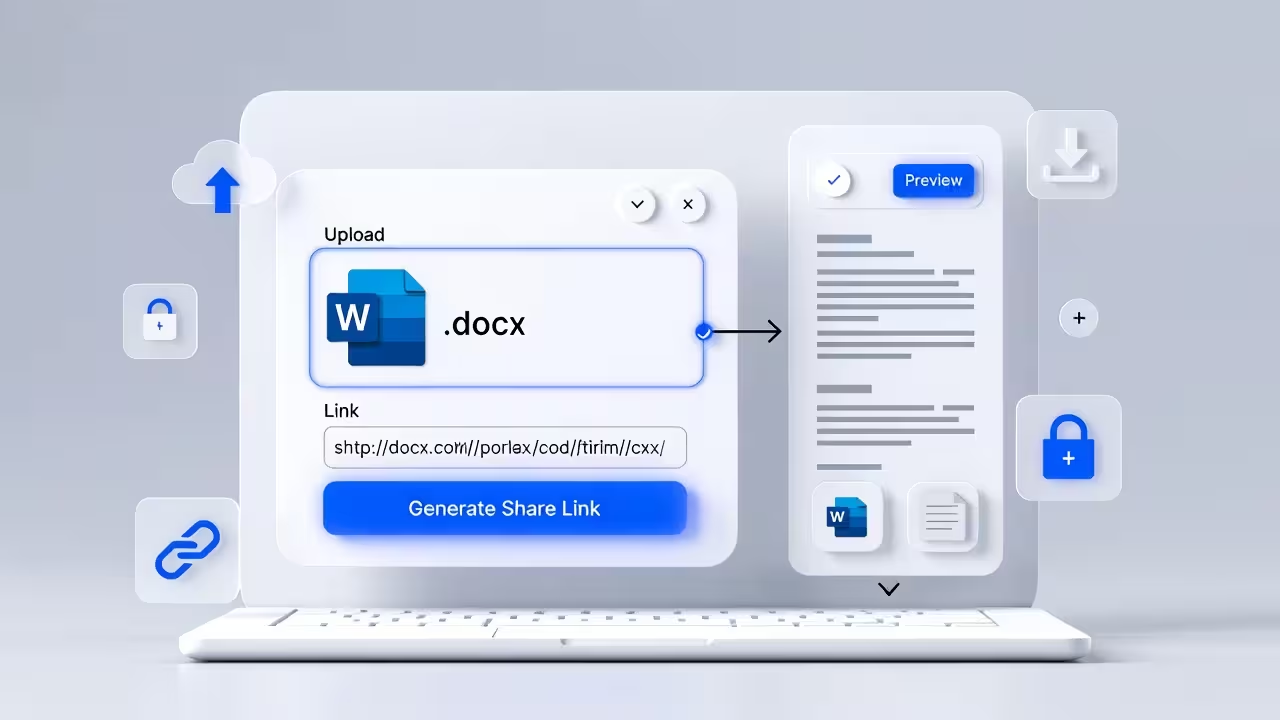
- Get your link on
*.filex.hostand share it immediately.
That’s it—no builds, no repos, no ZIPs.
Best Practices for Single‑File Sites
- Inline where it matters: Keep critical CSS in a
<style>block to reduce round trips. For larger CSS/JS, use popular CDNs for caching. - Absolute URLs for assets: Use
https://URLs for images, fonts, and icons if you’re not embedding them as data URLs. - Metadata matters: Add
<title>,<meta name="description">, and Open Graph tags. These improve Google snippets, social previews, and LLM answers. - Keep it lightweight: Avoid enormous libraries when a simple script will do. Small pages load faster and rank better.
- Mobile‑first: Use responsive meta viewport and check your layout on phones.
- No server‑side code: Static only—no databases or runtime backends.
Optional: Add Analytics or Widgets
You can include analytics (e.g., a lightweight beacon) or chat widgets by pasting their <script> tags into your single file. Prefer async/defer and reputable CDNs to preserve performance.
Why This Beats ZIP Uploads for Simple Projects
If your site is one page, ZIPs and multi‑file deploys add friction:
- More files to manage
- Extra steps to package and upload
- Harder to iterate quickly
The single‑file approach is simpler, faster, and easier to maintain—perfect for fast feedback loops.
How FileXhost Compares
- GitHub Pages / Netlify / Vercel: Great for multi‑page sites and repos. Requires Git or build pipelines. Overkill if you only have one HTML file.
- Pastebins and gists: Not meant for public websites or SEO. Lack proper previews and shareable site URLs.
- FileXhost: Purpose‑built for single‑file sites and fast file previews. Upload, share, done.
Make It SEO‑Friendly
Small sites can still rank and win featured snippets. Focus on:
- A clear title and meta description matching user intent.
- Structured headings (
h1,h2) with descriptive keywords. - Concise copy that answers “what, why, how” early.
- Fast load times and mobile‑friendly layout.
Consider adding a short FAQ section directly in your HTML. The blog platform adds structured data at the page level; your on‑page content still helps Google and LLMs generate richer answers.
Common Troubleshooting
- My CSS/JS doesn’t load: Switch relative paths to absolute CDN URLs or inline them.
- Images are broken: Host images on a CDN or embed as data URLs.
- Linking to another page: Single‑file hosting means there isn’t a second HTML file to navigate to. Combine sections into one page or link to external URLs.
- Can I use forms? Yes, but you’ll need a form backend or a service that accepts POSTs from static pages tar. Many services provide a simple endpoint.
FAQs
Can I host more than one file?
FileXhost primarily turns a single HTML file into a live website. If you need to share other files (PDFs, images, spreadsheets), you can upload them separately—FileXhost provides modern, fast viewers for many formats.
Do I get a domain?
Yes, every upload receives a shareable link on a filex.host subdomain (for example, project.filex.host). You don’t need to buy or configure anything.
Do you support custom domains?
The platform focuses on instant subdomain hosting on filex.host so you can publish without DNS or setup.
Is JavaScript allowed?
Absolutely. Inline small scripts or use trusted CDNs. Avoid features that require server‑side execution.
How big can my file be?
Keep it reasonably small for fast loading. For single‑page sites, aim under a few hundred KB if possible.
What about SEO?
Include a descriptive title, meta description, and clear headings. Keep content concise and relevant. External links should be absolute URLs.
Final Notes
If you have a single index.html, you’re a click away from a live website. FileXhost removes the friction so you can ship faster, test faster, and share faster. Upload your file and start collecting feedback today.